Computer Graphics · November 14, 2026
Understanding Rasterization
A working outline for an explanation of how geometric primitives are converted into fragments and pixels.
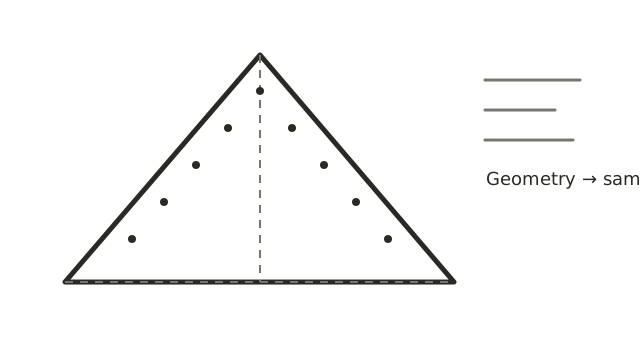
Working draft: use this as a starting structure, then replace it with the explanation and examples you want to publish.
From shapes to pixels
Rasterization is the stage of a graphics pipeline that determines which screen pixels are covered by geometric primitives such as triangles. It turns a geometric description into fragments that can be processed and eventually contribute to the final image.
A simplified sequence
- Prepare geometry. Vertices are transformed into the coordinate spaces used by the graphics pipeline.
- Clip and map. Geometry outside the visible region is clipped, and the remaining coordinates are mapped to the viewport.
- Find coverage. The rasterizer determines which pixel samples are covered by each primitive.
- Interpolate attributes. Values such as depth, texture coordinates and vertex colours are interpolated across the primitive.
- Shade and test. Later stages calculate fragment colour and apply tests such as depth and blending before the final image is written.
Questions to explore in the finished article
- Why are triangles such a common primitive?
- What is the difference between a geometric primitive, a fragment and a pixel?
- How do edge rules avoid cracks or double coverage between adjacent triangles?
- Where do depth testing, interpolation and fragment shading fit?
A practical example
Add a small triangle example, a diagram of screen-space coverage and a simple explanation of how changing vertex positions changes the covered samples.
Takeaway
Rasterization is not simply “drawing a shape on the screen.” It is a set of carefully defined steps that connects geometry to the discrete samples used to produce an image.